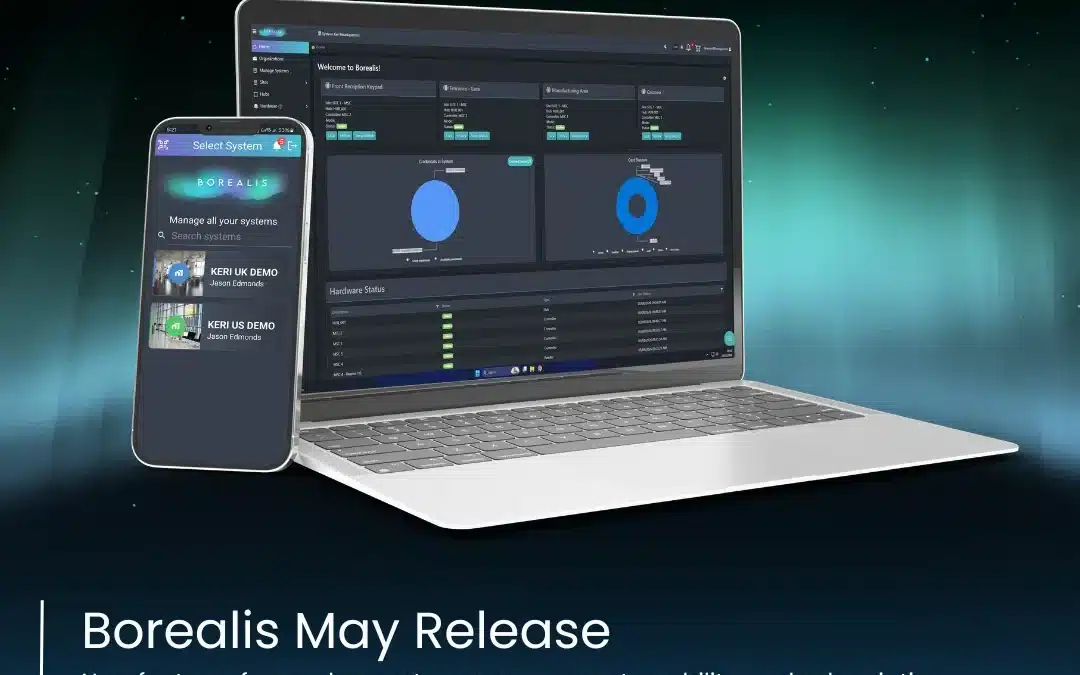
Borealis – March Release
Our March release is a significant one as it includes support for Entraguard hardware, along with a variety of new tools and features designed to assist you in managing your business and Borealis solutions.
With this update, you can take advantage of automated actions using the new site calendar, implement quicker and more efficient emergency responses, and access deeper investigation tools to support both site owners and access control dealers. We believe this update is packed with features that will assist you.
Feature flags*
A feature flag initially controls certain release items, allowing us to evaluate and monitor their performance before a wider rollout. These features are marked with an * (asterisk) and require an access request. If you are interested in enabling one of these features, please get in touch with your Integrator or Regional Sales Manager.
Entraguard Controller Support

Our March Borealis release introduces support for Entraguard telephone entry panels on the Cloud! You can now utilize the Entraguard Titanium, Silver, and Platinum controllers.
Entraguard entry panels allow tenants to access the building using their unique, assigned Entraguard ID. Visitors can call tenants from the Entraguard unit, and tenants can grant access through their phone handsets.
Entraguard units connect to the Cloud via a LAN-520 Ethernet module, enabling management and monitoring from anywhere in the world using Borealis!
It is now available if you have been waiting for Entraguard support to transition your existing solution to the cloud.
Site Calendar*

The Site Calendar features a scheduling system tailored to the Site’s specific requirements. It enables the automatic scheduling of events that must occur at specific times. This includes hardware control events, such as synchronising the controller at a designated time, temporarily unlocking one or more readers, and masking door contacts, inputs, and outputs.
Additionally, the Site Calendar can schedule actions like activating and deactivating Site Lock and Site Unlock. When a command is executed to run a planned event, it generates new live events as well.
Each event created in the calendar will include a Subject, Category, Start time, and End time.
Site Lock and Site Unlock*

You can activate a sitewide lockdown from anywhere with one click, allowing you to respond quickly to situations from your phone, laptop, or desktop.
You can use the Site Lock and Site Unlock features to lock or unlock all doors at a site quickly. The Site Lock feature not only locks all currently unlocked doors but also lets you set all doors to Lockout or Lockdown mode. You can activate Site Lock and Site Unlock using buttons in the user interface when logged into Borealis.
The Sites screen updates you on the current Site Lock and Site Unlock status in real-time.
Operator Audits

The Operator Audits feature lets you create reports on actions taken by logged-in operators. You can find out which operator added or deleted a controller, enrolled or deactivated a cardholder, added another operator, or unlocked a door using the user interface.
You can filter the audits to see all actions by a specific operator during a certain time period. You can also view actions by category, such as those related to cardholders or access rights, or all actions linked to a specific hardware item, like a controller.
Event Filtering and Purging

The event filtering option in Borealis enables you to hide specific event types from live events and transaction reports. By default, live events show all system-generated events, including non-critical ones like Request-to-Exit (RTE) events and Remote Temp Unlock. The Live Events and Transaction Filtering screen displays a comprehensive list of all event types on one page, along with the frequency of each event occurrence.
You can also choose to permanently delete all occurrences of selected event types from Cloud storage.
API Third-Party Integration

The Borealis API integration lets you connect with third-party applications. We have made improvements to enhance the user experience and strengthen API security. The updated integration allows for better management of user roles and introduces a new operator role specifically for the API. For more information and setup instructions about the API integration, please get in touch with us
Full Release Notes
To view the full release notes, including any bug fixes and UI changes, you can view the full release notes here.
Release Notes